Step 1: Go to https://merchants.google.com and sign in.
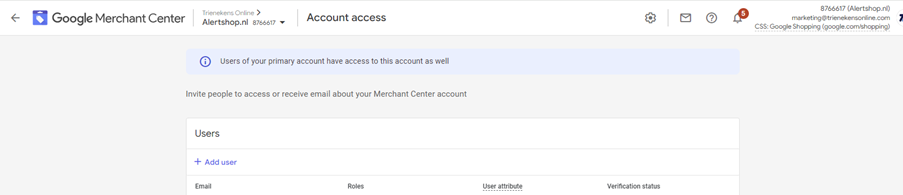
Step 2: Click the gear icon at the top of the page to open the menu and select ‘Account access’.
Step 3: Select ‘Add user’ under the Users section.
Step 4: Enter the email address of the new user and select ‘Add user’.
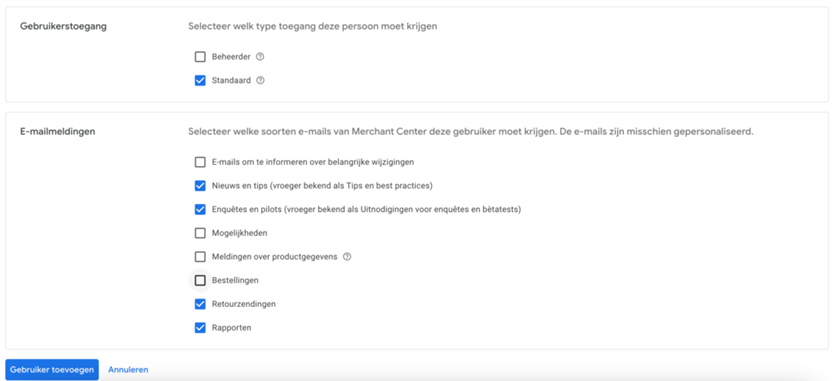
Step 5: Choose the required access permissions and email notifications for the new user, then confirm by clicking ‘Add user’ again.