The Generative Fill feature from Adobe has received a new addition: the partner models feature. These models add new visual directions that were not available before, making it easier for Photoshop users to generate high-quality images in different styles. The update also provides more control over the outcome, which helps make the generative process more reliable.
What makes partner models so important
Partner models mark an important update within Generative Fill because they provide more variation and control than the standard model. This is a significant improvement for Photoshop users who often rely on AI tools to create consistent visuals across different projects. By offering multiple models instead of one default option, Photoshop users can generate results that better match different styles. This helps reduce repetitive outputs and gives users more flexibility when refining visuals. Overall, partner models introduce a level of choice and consistency that was not available before
How partner models work inside Generative Fill
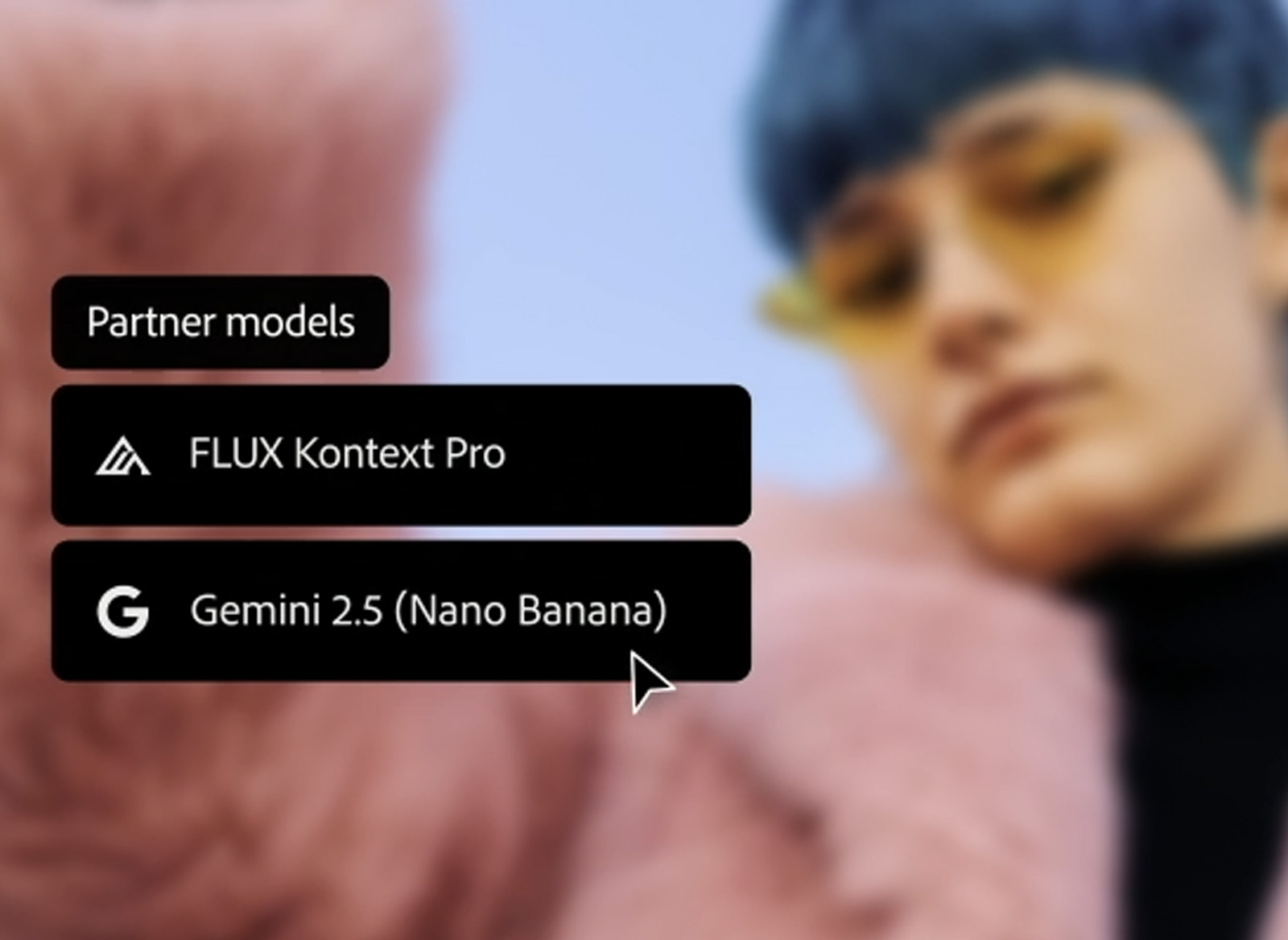
Within Generative Fill, partner models function as separate AI options that users can select before generating an image. Each model processes prompts differently, which results in a wider range of possible outcomes. The workflow itself remains the same: users select an area, enter a prompt and generate the result. The chosen model influences the direction and style of the final output.
- Gemini 2.5 Flash Image (Nano Banana)
- FLUX.1 Context [pro]
- Firefly Fill & Expand model (beta)
The key benefits of partner models in Generative Fill
Partner models introduce several improvements that make Generative Fill more flexible and reliable in daily visual work. The feature is designed to give Photoshop users more options when generating images and to make it easier to match different project needs.
1. More variety in visual styles
Partner models produce a wider range of styles compared to the standard model, making it easier to create images with different looks. This variety helps users quickly explore alternatives without adjusting prompts repeatedly. It can be particularly useful when working on visuals that need to match a specific tone, colour palette or design style.
2. Improved control over the output
Each partner model interprets prompts in its own way, which gives users more control over how the final result develops. Instead of relying on one type of output, users can guide the generation process by choosing a model that aligns with the intended style. This is helpful when refining visuals or aiming for a more precise or predictable result.
3. Faster visual experimentation
Switching between models allows users to test multiple directions quickly, reducing the time normally spent rewriting prompts or adjusting images manually. The ability to generate several variations in a short time makes the creative process more efficient. This advantage is especially relevant when working on projects that require several concepts or visual options.
4. Better alignment with different project needs
Some partner models are better suited for realistic outputs, while others create more stylised or artistic results. This makes it easier to choose a model that fits the requirements of a specific project. Whether the visual needs to look natural, graphic or experimental, the update provides more targeted options.
What this means for your creative process
Partner models make Generative Fill more useful for tasks that require consistent quality across different visual directions. Users can switch between models to quickly find the style that fits best, which speeds up decision-making and reduces the need for manual editing. The update also helps maintain a steady workflow because the steps stay the same while the output becomes more adaptable. In practice, this makes it easier to produce visuals that align with the expectations of different projects and saves time when exploring multiple ideas.